How to configure a TikTok feed for your digital signage
Tiktok for digital signage pulls public posts from your Tiktok account. Posts are collected in a video playlist and delivered over HTML.
What you need to get started:
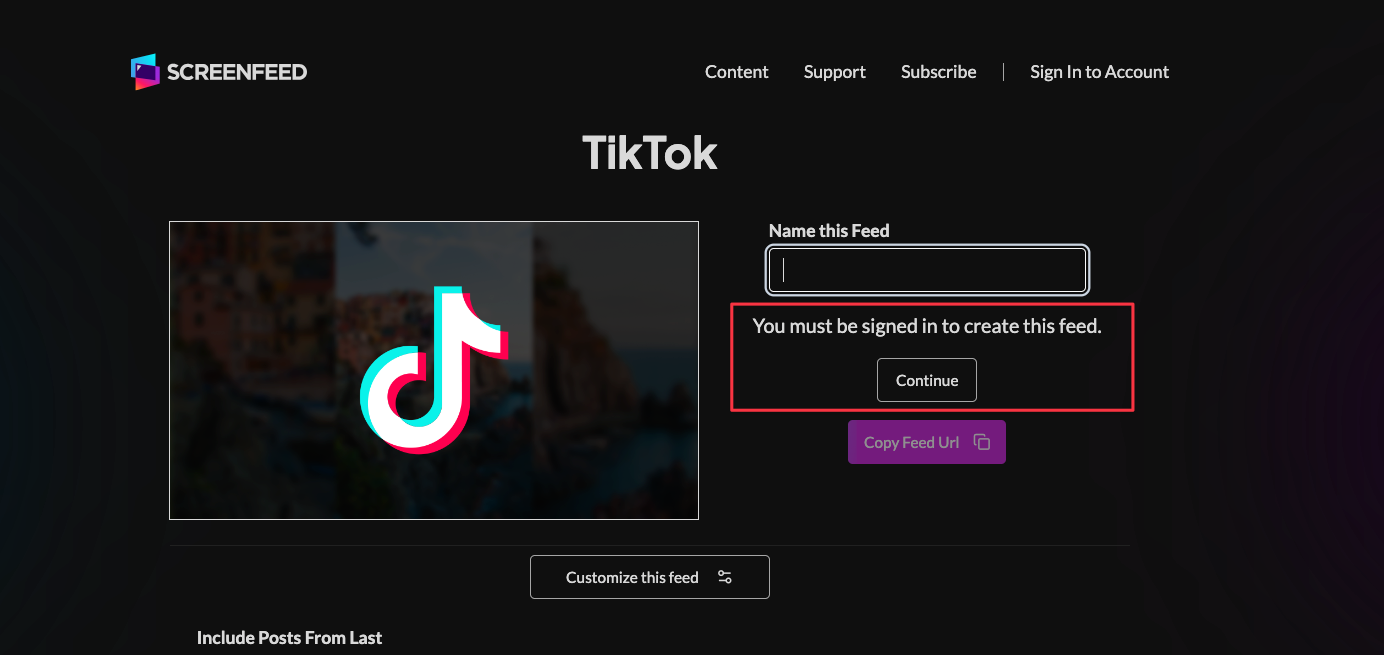
3. Set a custom name and click "Customize This Feed".
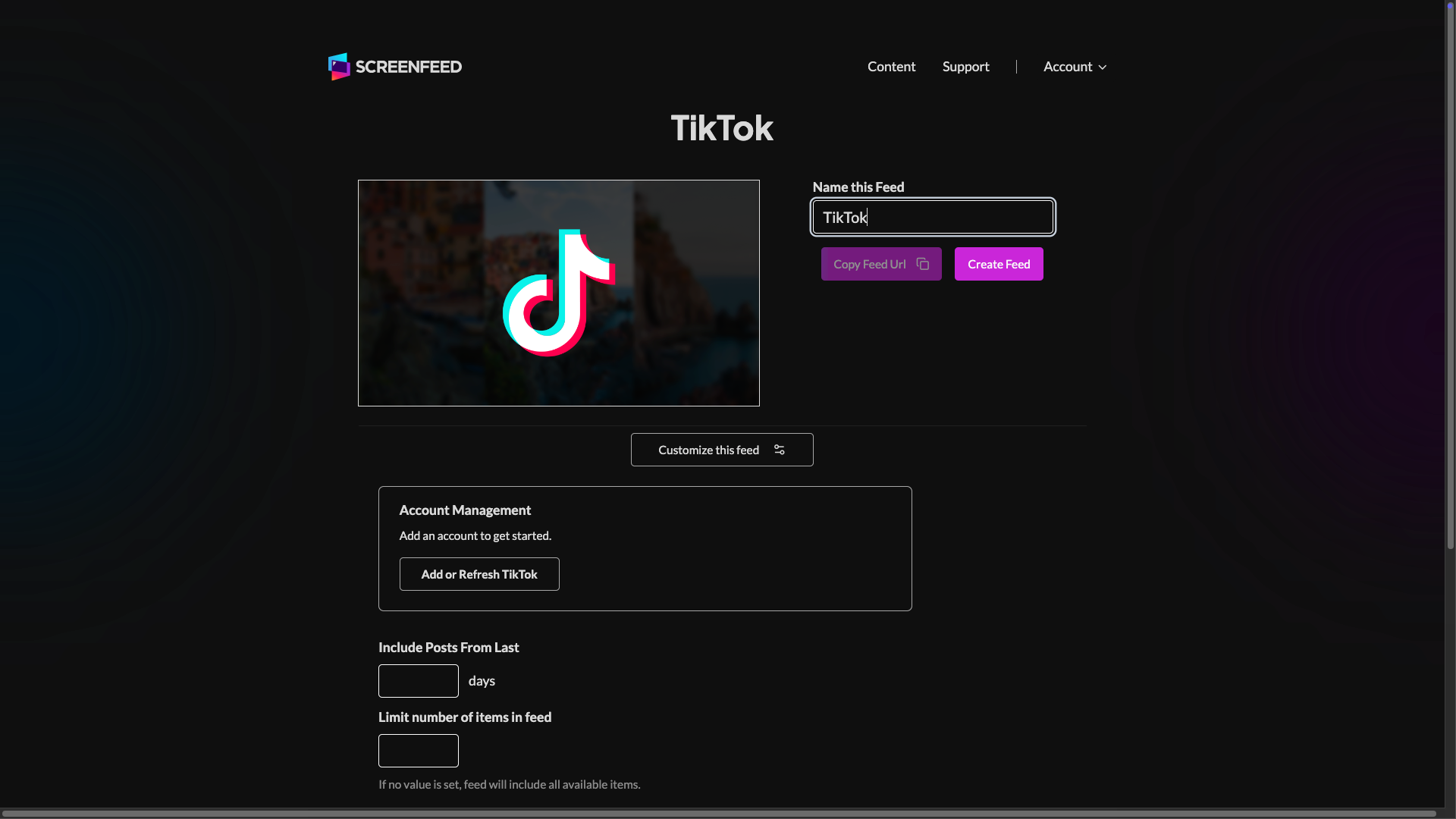
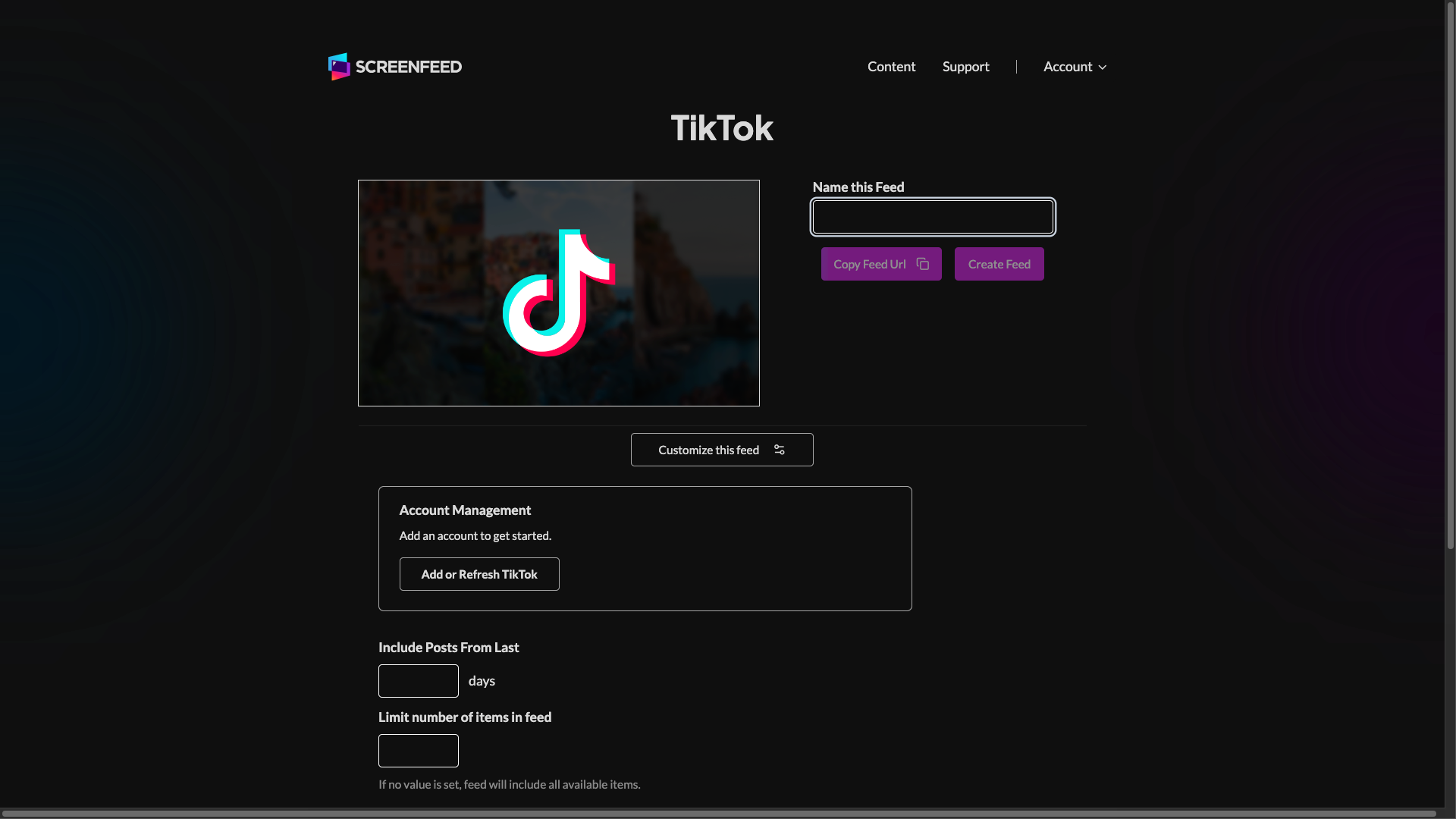
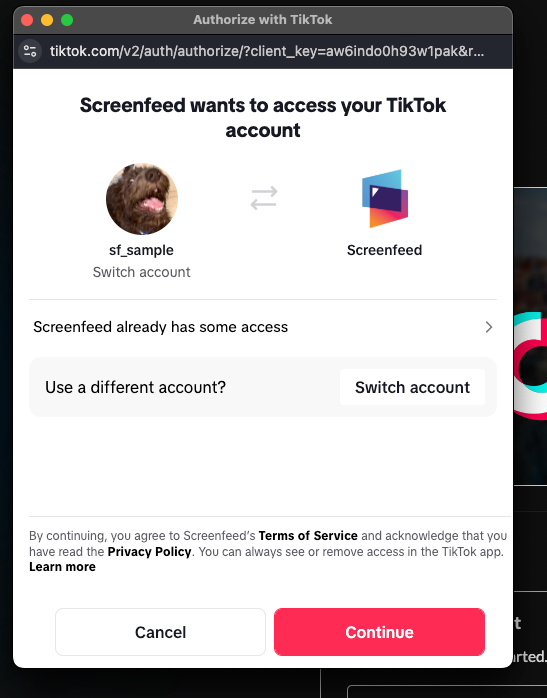
4. Click "Add or Refresh TikTok,"
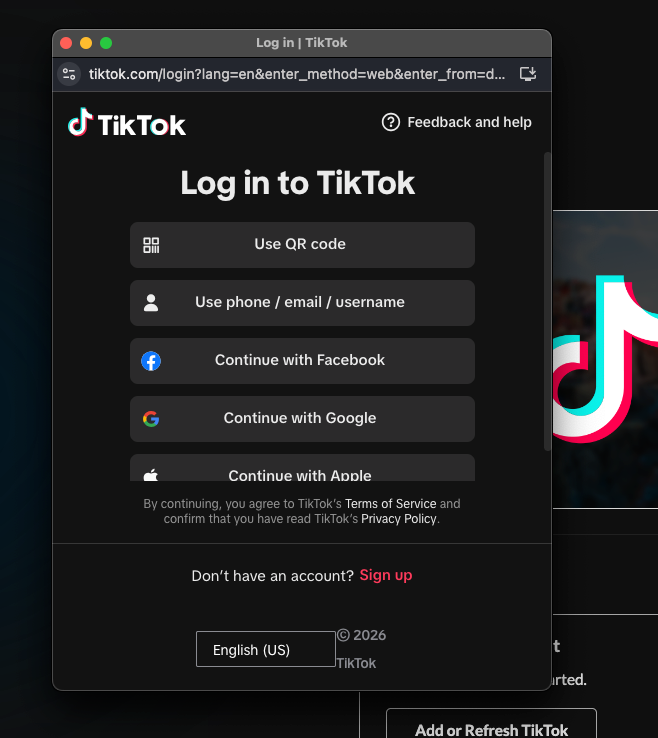
5. Enter TikTok credentials, and authorize the application.
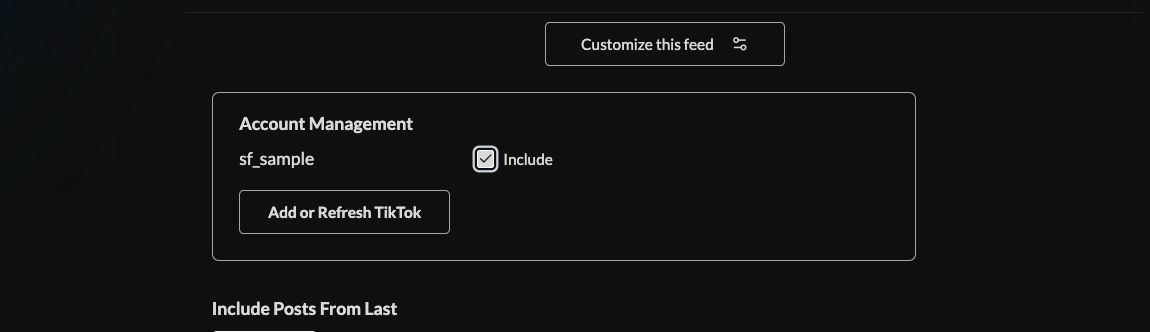
6. Click the checkbox next to the account you want to include.
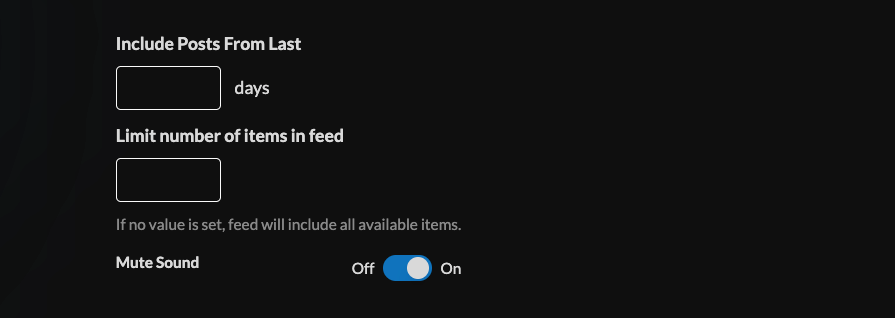
7. Scope the posts shown in the feed by setting limits on historic posts and number of items. Enable or disable sound mute.
8. Set an intro style, background, and message. Learn more about the intro options from this link. www.screenfeed.com/support-articles/intro-options

9. Click the "Create Feed" button.
Support available between 9:00am and 5:00pm (CST-06:00), Monday through Friday


