About the Everything Plan from Screenfeed
The everything plan is a dynamic library of 30+ ready-made content feeds. Fully Licensed feed update automatically, can be localized globally and increase relevance and value for viewers.
Air Quality | AP News | Bright Spots | Calendars | The Canadian Press News | Cinematic Skies | Community Events | Company Stocks | Customer Service Tips | Facebook | Financial Markets|Flight Board | Firendly News | Good News Video | Google Trends | Healthy Bites | Inspirations | Instagram | LinkedIn | Local Favorites | Missing Children(NCMEC) | Pollen Levels | Pop Quiz (Trivia) | Reuters News|Safety Tips | Sports Central | Teams | The List | Traffic Routes | UV Index | Weather Graphics | Weather Radar Map | X(Twitter) | Window to our World
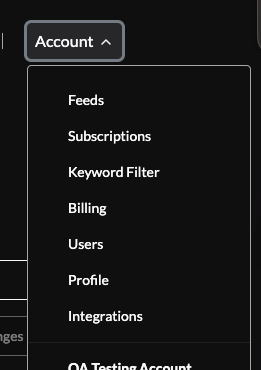
1. When logged in to your account click the account dropdown on the right top corner. Select subscriptions from the dropdown menu
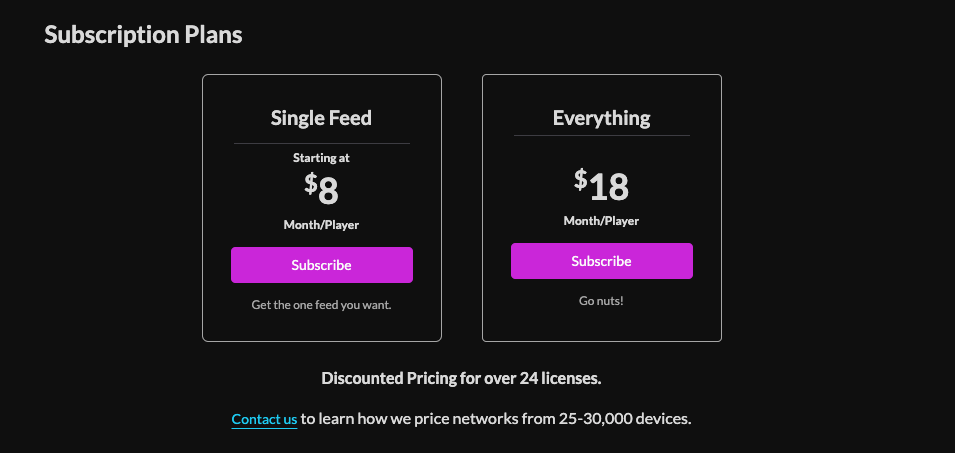
2. Click the subscribe button for the everything plan.
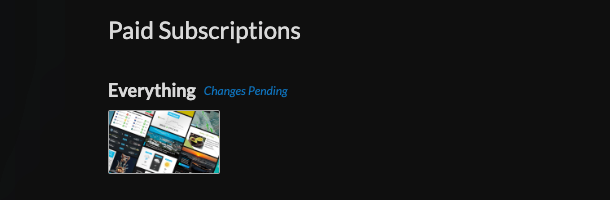
3. The Everything plan with appear under “Paid Subscriptions”
4. Increase your license count by changing the player count under the subscriptions list.
5. Your total will appear at the bottom of the page.
Click Changes to update your subscriptions/ subscribe.
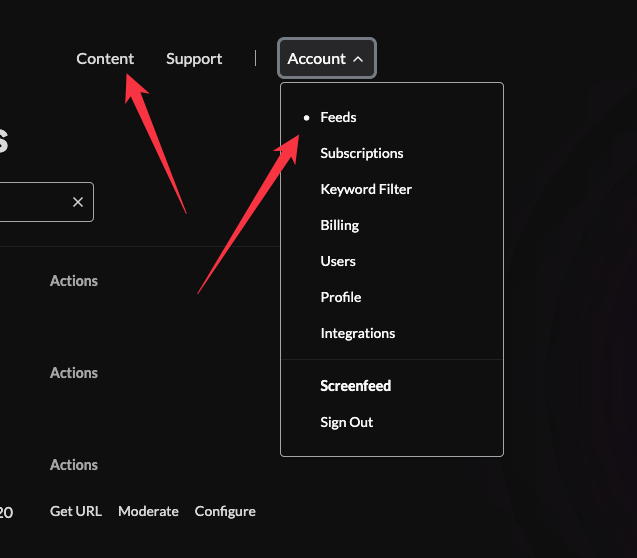
Either click Content or click Feeds from the Account dropdown
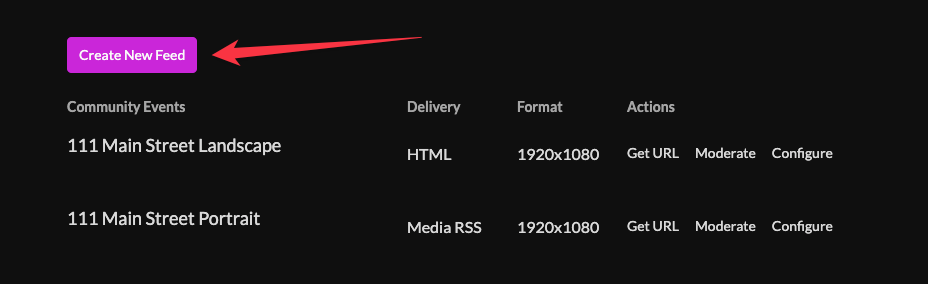
You will see a feeds list where you can either create new feeds or configure existing feeds.
Support available between 9:00am and 5:00pm (CST-06:00), Monday through Friday


