Configuration options for HTML feed animated intros.
Intros for HTML products can be configured to multiple animation styles, including configurable, colors, background animations and custom messages.
Animation
Intros will follow animation rules set for the feed. If you select not to animate the feed the intro will also show as a static slide.
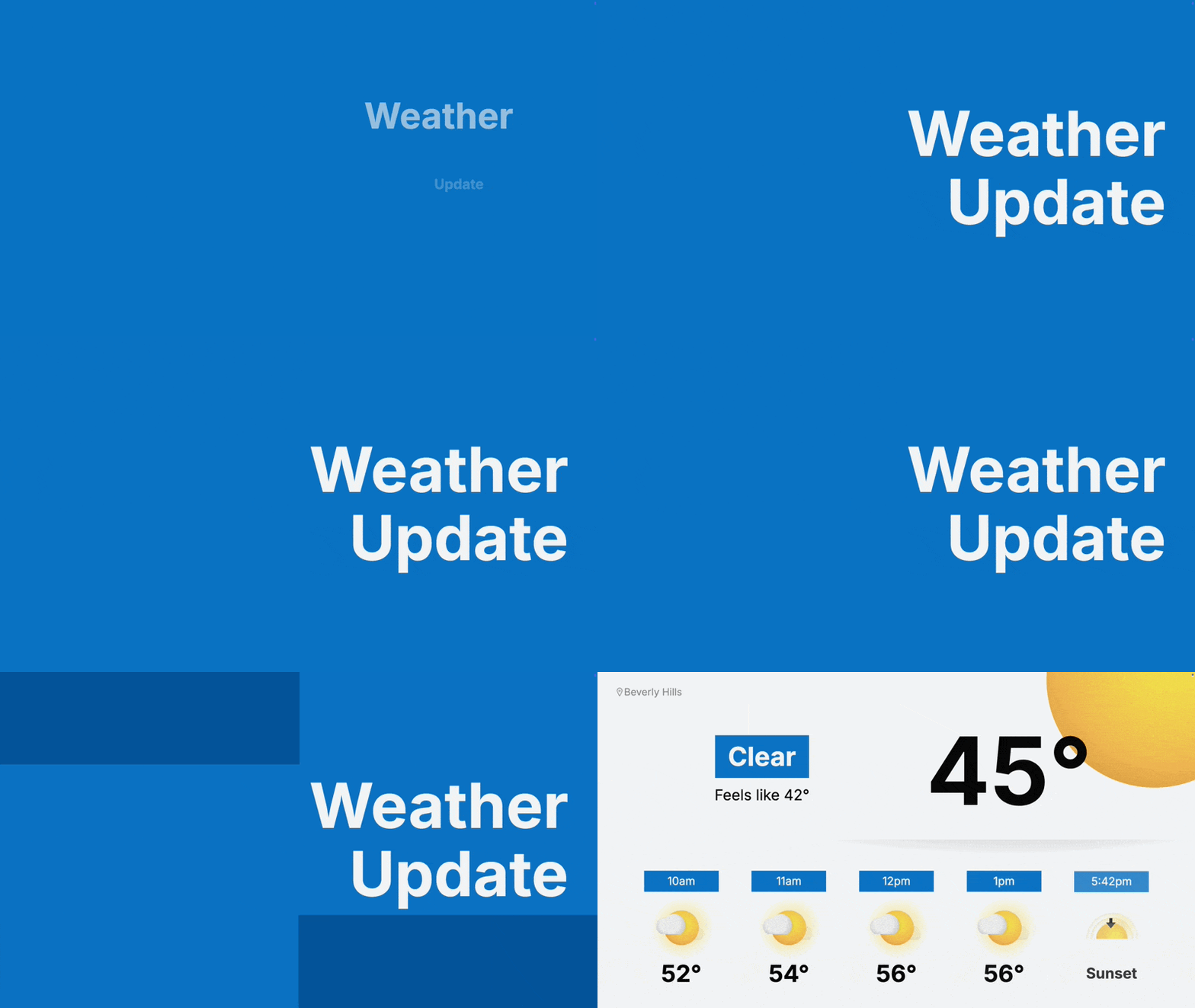
Extra-Large text animates on the left of the screen.

Extra-Large text animates on the right of the screen.
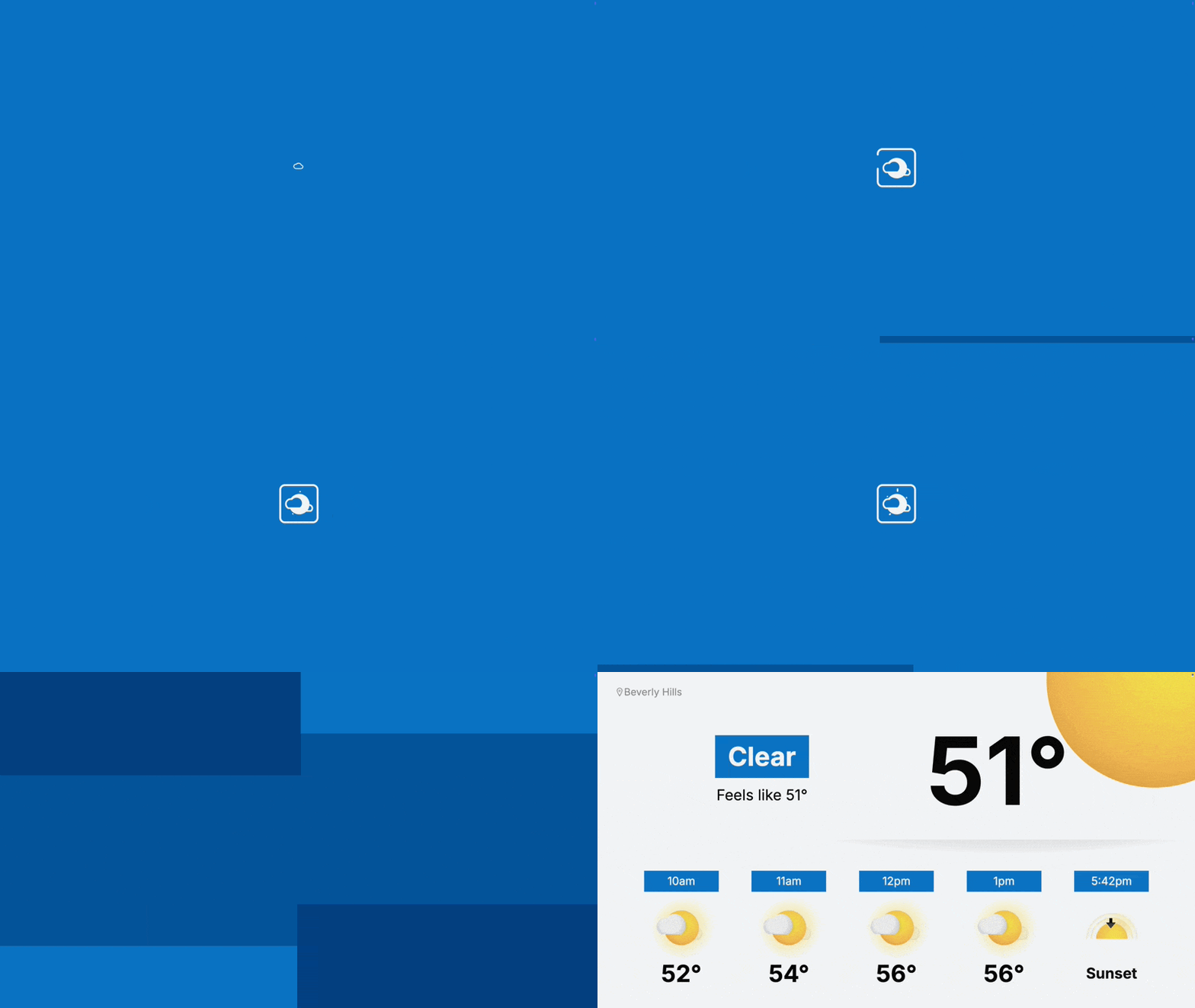
Feed specific icon will animate in the middle of the screen
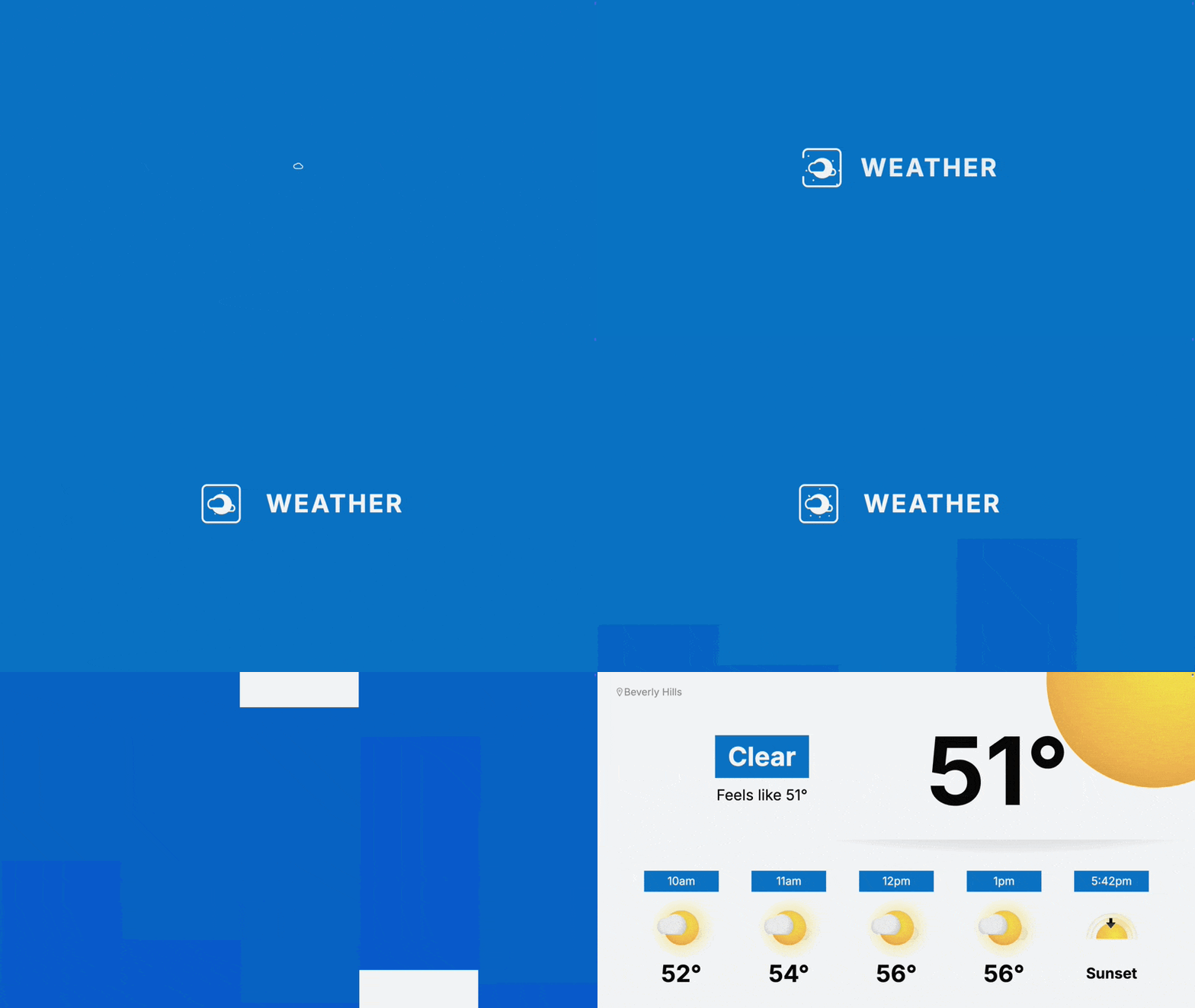
Icon and feed title will animate in the center of the screen.

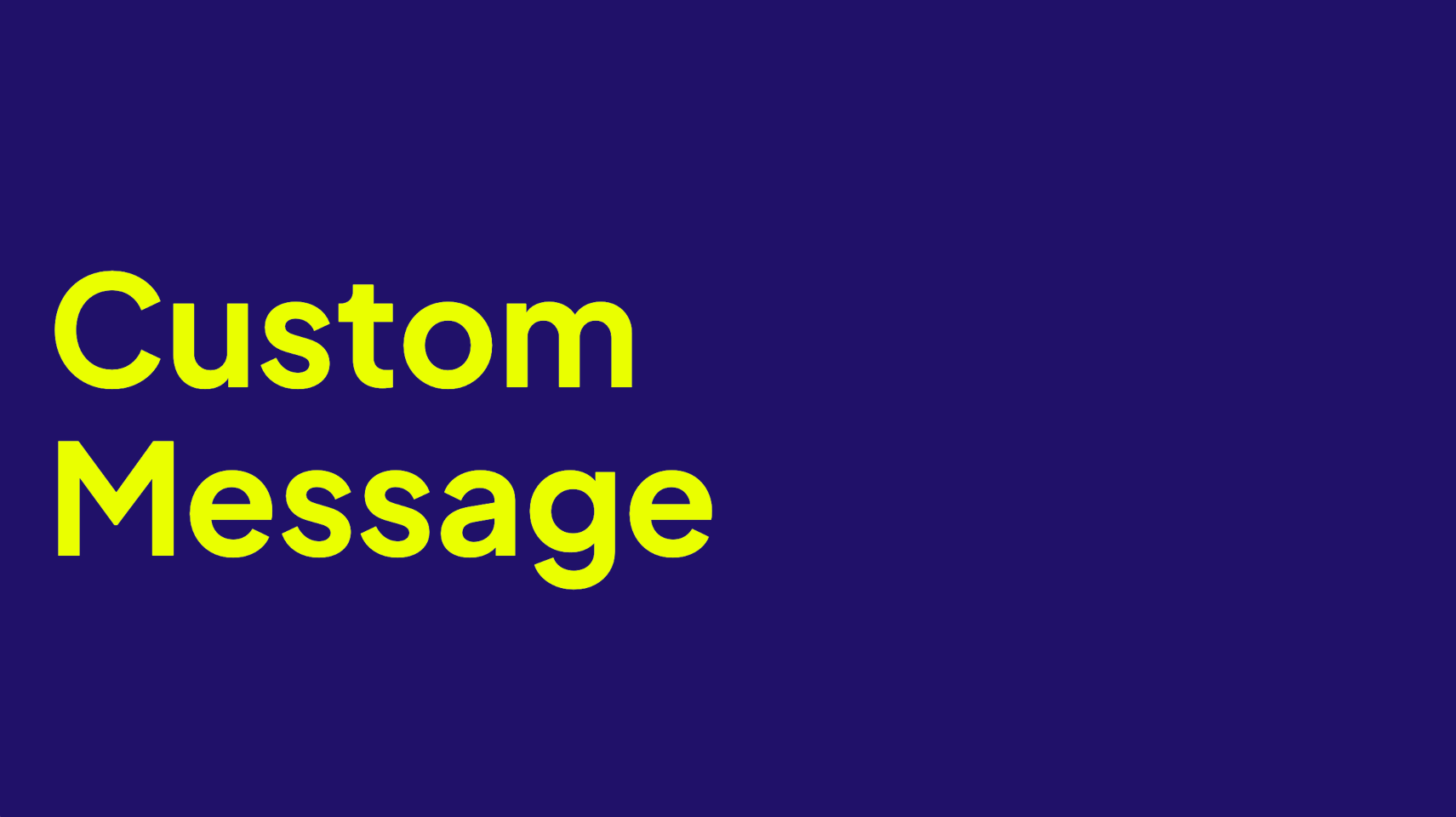
Default or custom message text will animate popping in then sliding in from the left of the frame
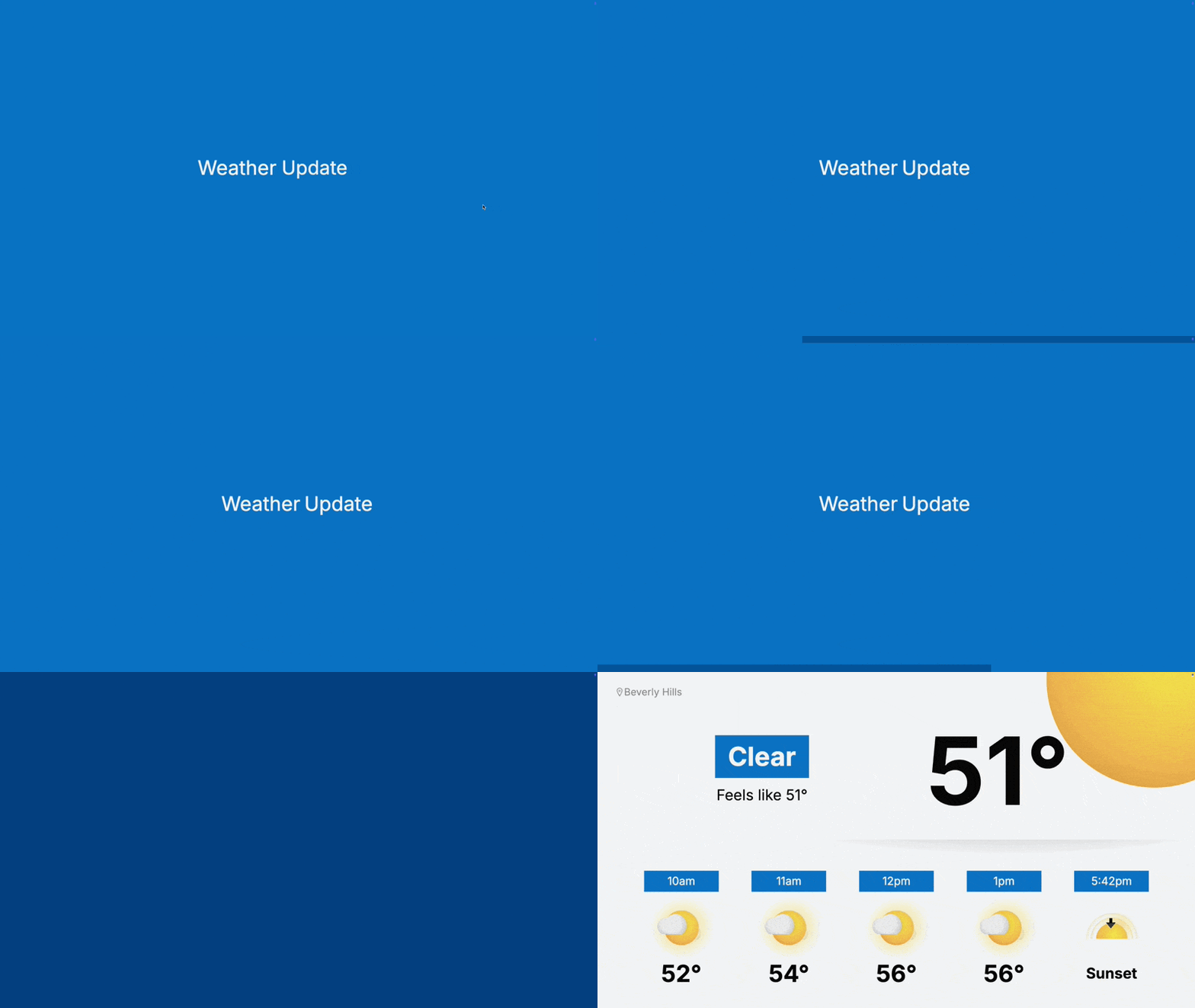
Default or custom message text will animate popping in then sliding in from the bottom of the frame
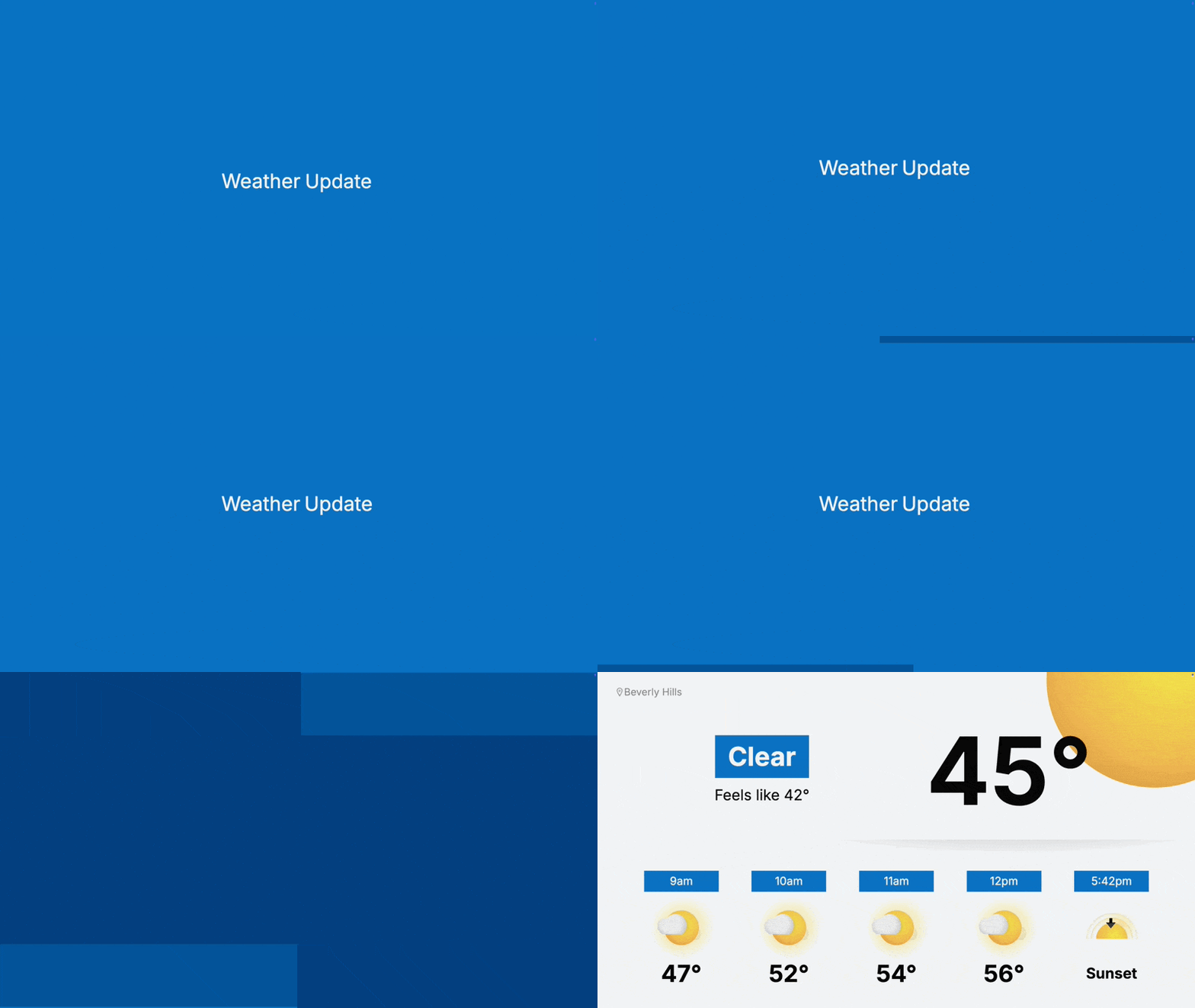
Default or custom message text will animate popping in then sliding in from the top of the frame
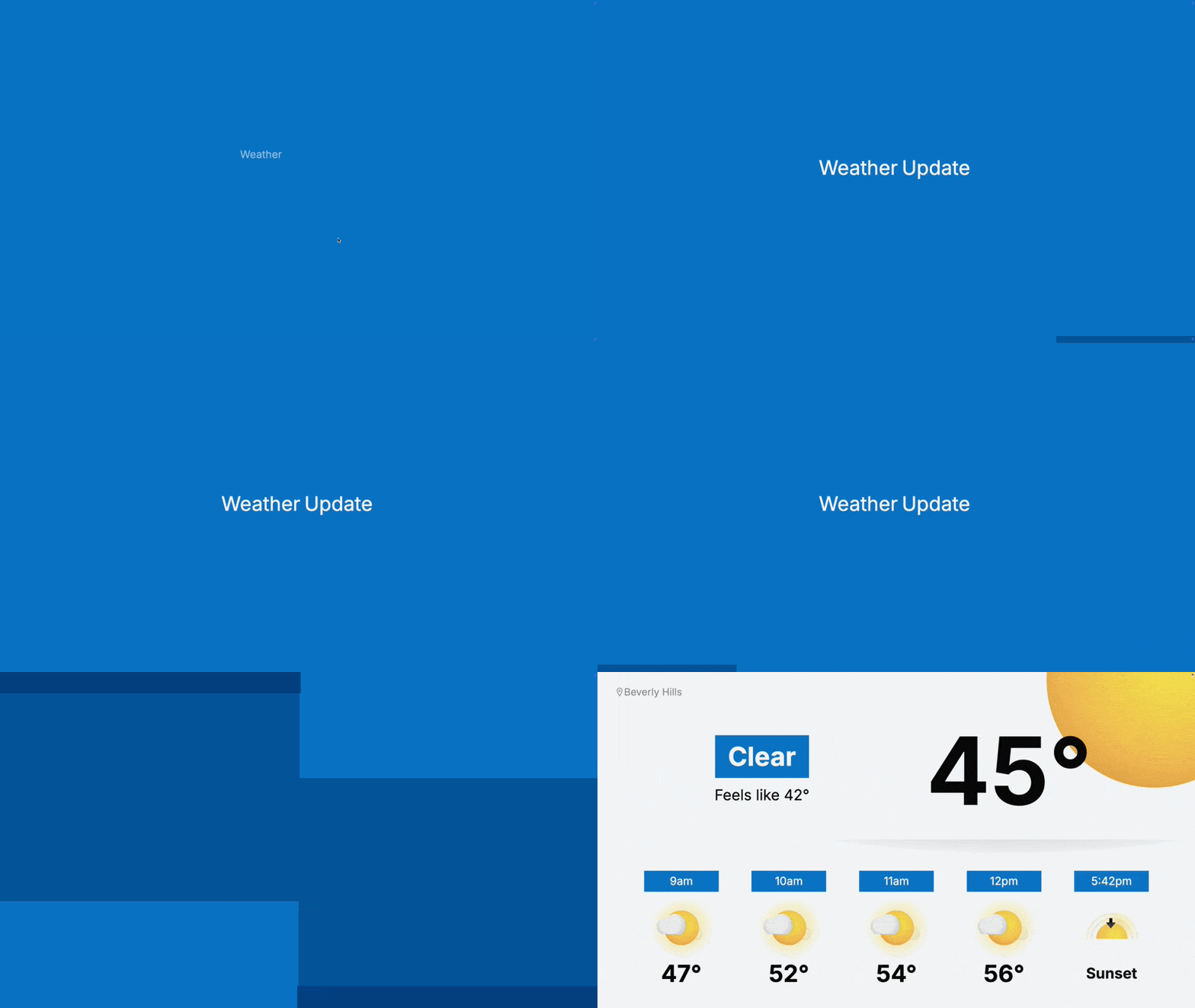
Default or custom message text will animate popping in then sliding in from the right of the frame
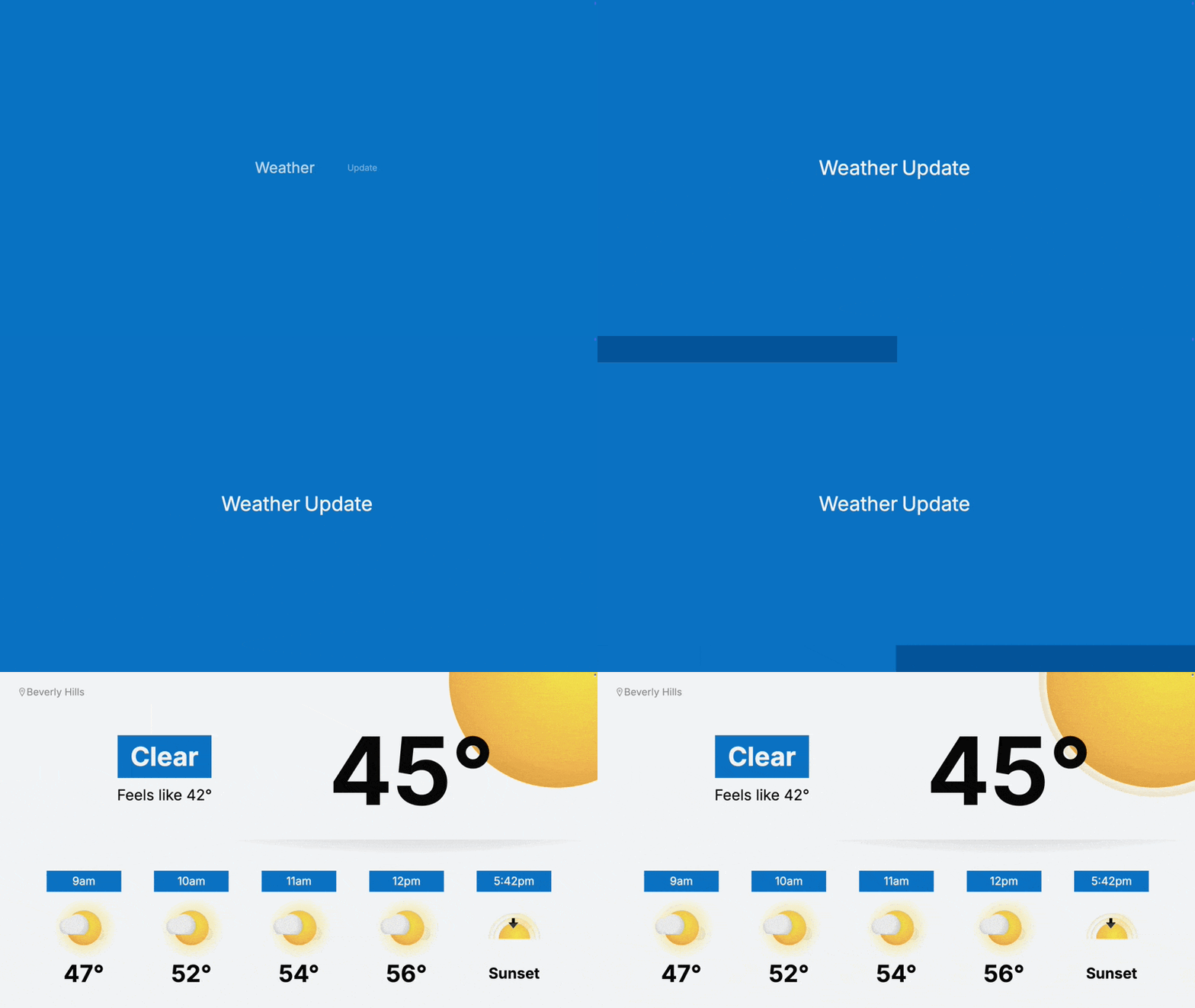
Default or custom message text will animate popping in from the center of the frame
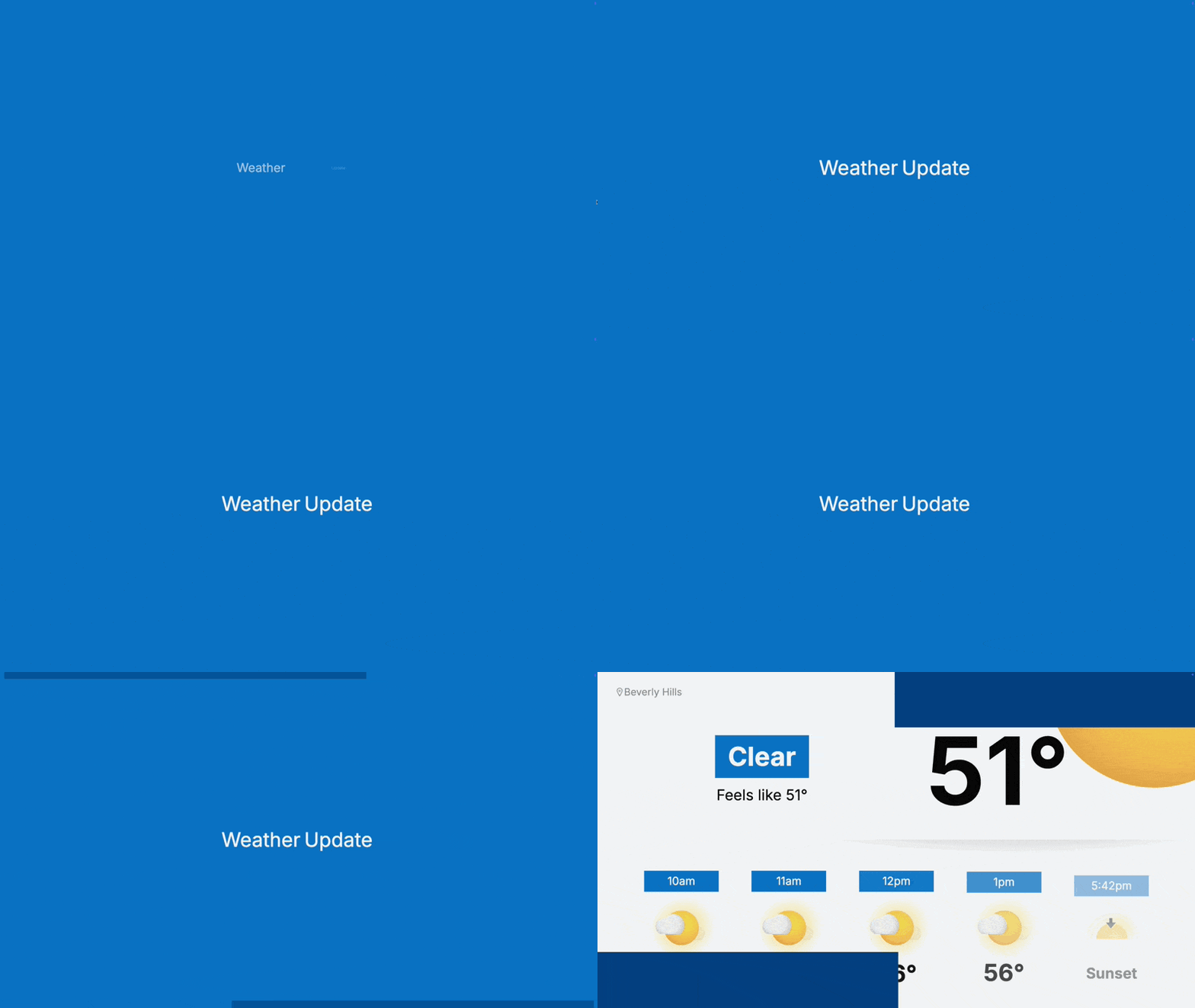
To skip the intro all together, choose None for the intro option.

Custom message text will appear in all intros. Icon and Icon with title will also show the feed specific items.


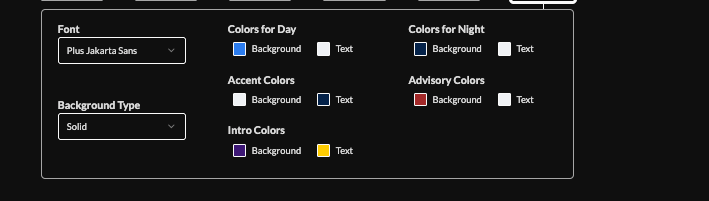
Use preset styles or set the Intro Colors (Background, Text) to adjust the colors of the intros independently from the other color controls.


See our feed compatibility requirements here https://www.screenfeed.com/support-articles/content-web-browser-compatibility
Support available between 9:00am and 5:00pm (CST-06:00), Monday through Friday


