How to configure a Financial Markets feed for your digital sign
1. Begin configuring your feed from the content menu by selecting the Financial Markets tile.
2. Toggle content views on the left corner of the preview, changes to the feed will be reflected in this preview. Set a custom name.
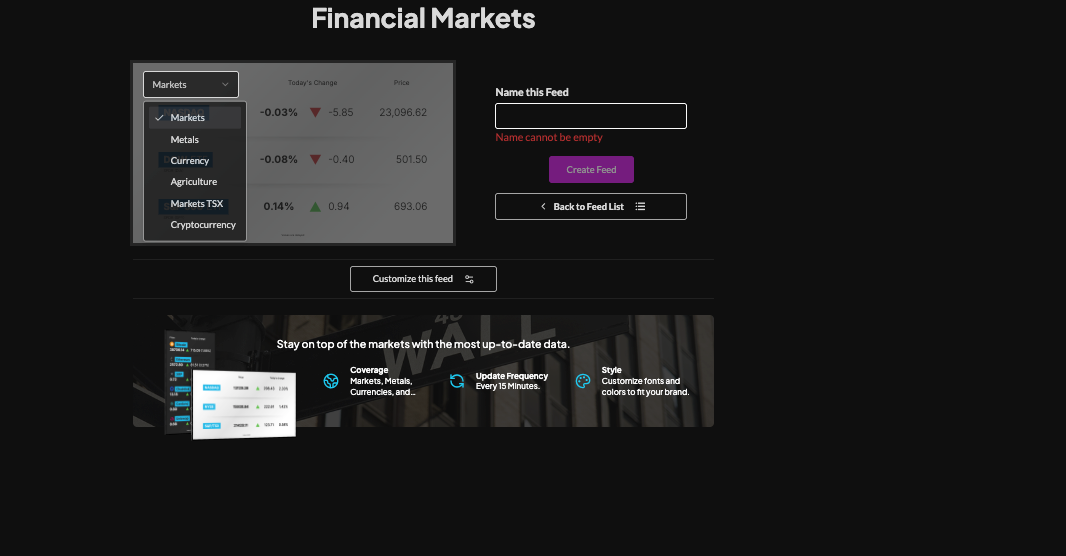
3. Click "Customize This Feed" and uncheck any content views you do not want shown.

4. Choose a style (Preset or Custom) to adjust fonts, background type, and colors.

5. Set an intro style, background, and message. Learn more about the intro options from this link. www.screenfeed.com/support-articles/intro-options

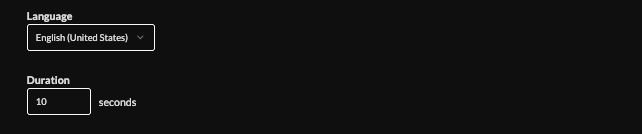
6. Select the language and Duration (10s default)
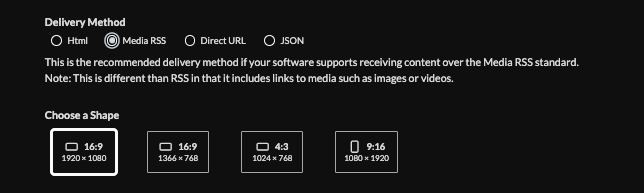
7. Set the delivery method (HTML media, RSS, direct URL, Json data).Learn more about advantages to each delivery method here www.screenfeed.com/support-articles/delivery-methods-available
8. Click the "Create Feed" button
Support available between 9:00am and 5:00pm (CST-06:00), Monday through Friday


