How to configure a UV index feed for your digital sign
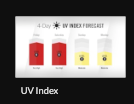
Begin configuring your feed from the content menu by selecting the UV index tile.
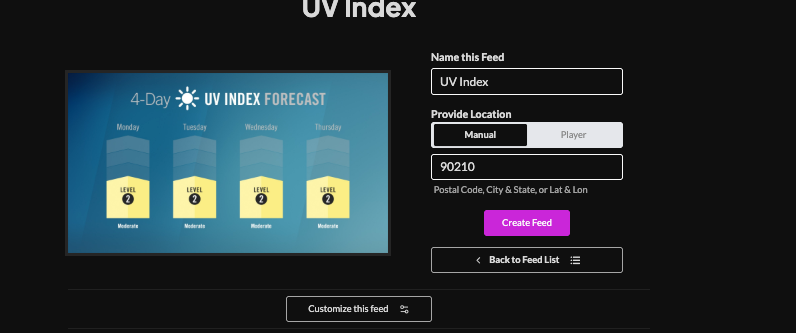
Set a custom name, Enter a Manual Location (postal code| city,state| lon, lat) or select player to enable geolocation (learn more about geolocation)
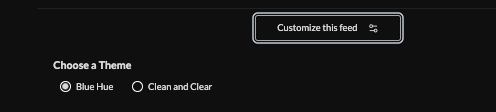
Click "Customize this Feed" and choose a theme (blue hue or clean and clear).
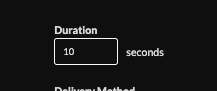
Set duration (current 10s)
Set delivery method (HTML, Media RSS, Direct URL)Learn more about advantages to each delivery method here www.screenfeed.com/support-articles/delivery-methods-available

Click "Create Feed".
Support available between 9:00am and 5:00pm (CST-06:00), Monday through Friday


