How to configure a Sports Central Feed for your digital sign
1. Begin configuring your Sports Central feed from the content menu by selecting the Sports Central tile.

2. Set a custom name and click "Customize this Feed".
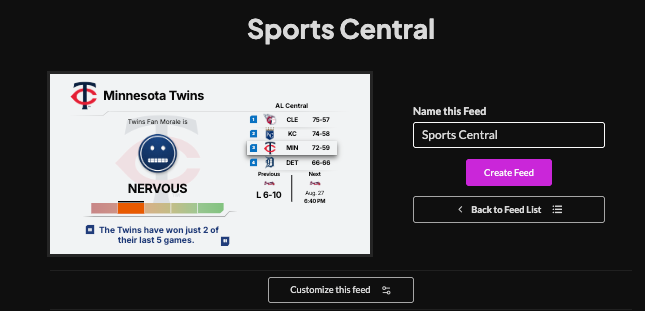
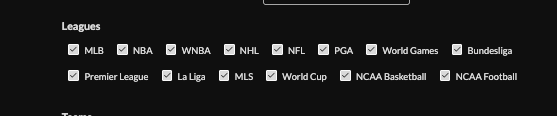
3. Select leagues you wish to include in the feed
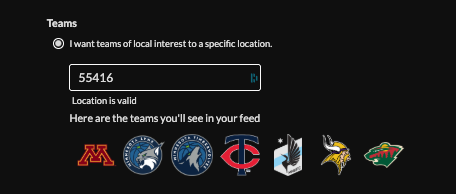
4. Set teams to focus on:
By location (enter in a postal code|city,state| lat, lon)
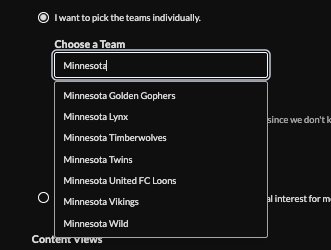
Individually by team name.
Have your player send a location
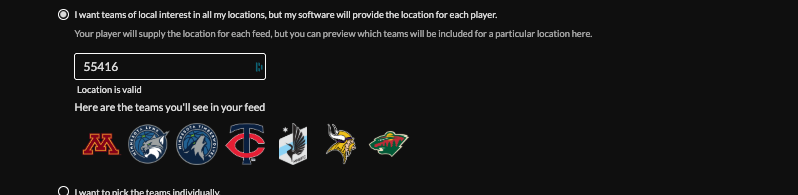
Or show league wide information.

5. Click content views to include in your feed.

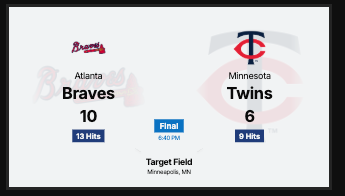
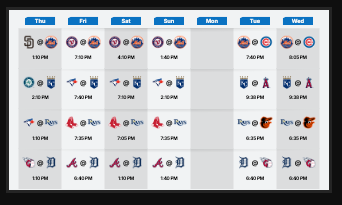
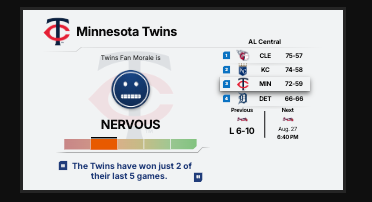
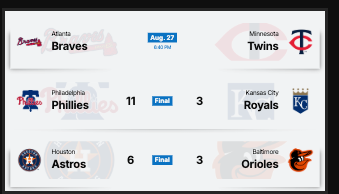
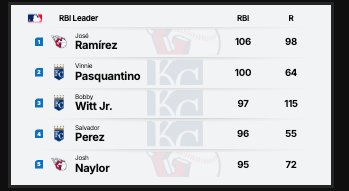

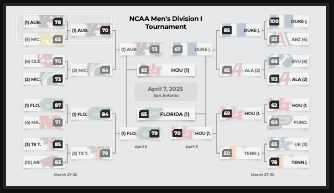
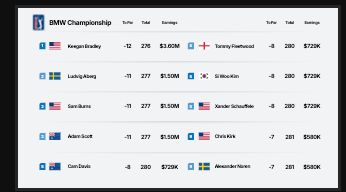
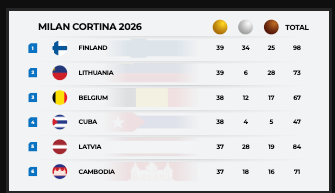
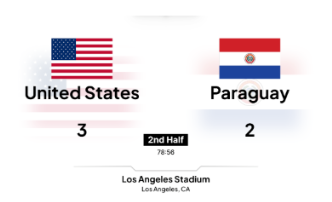
6. Choose a style (Preset or Custom).
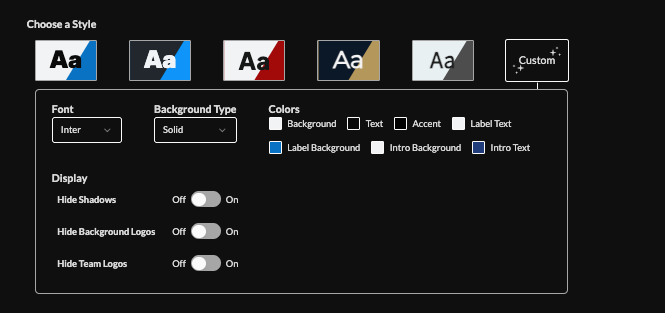
7. Choose feed language

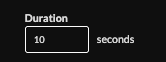
8. Set the duration (default 10s)
9. Optionally filter game status (pre/in/post-game).
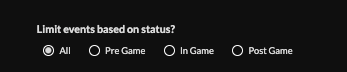
10. Toggle randomization, and animation
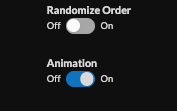
11. Set an intro style, background, and message. Learn more about the intro options from this link. www.screenfeed.com/support-articles/intro-options

12. Set delivery method (HTML media, RSS, direct URL, Json data)Learn more about advantages to each delivery method here www.screenfeed.com/support-articles/delivery-methods-available
13. Click "Create Feed".
Support available between 9:00am and 5:00pm (CST-06:00), Monday through Friday


