How to configure a Pop Quiz Trivia feed for your digital sign
1. Begin configuring your Pop Quiz feed from the content menu by selecting the Pop Quiz tile.

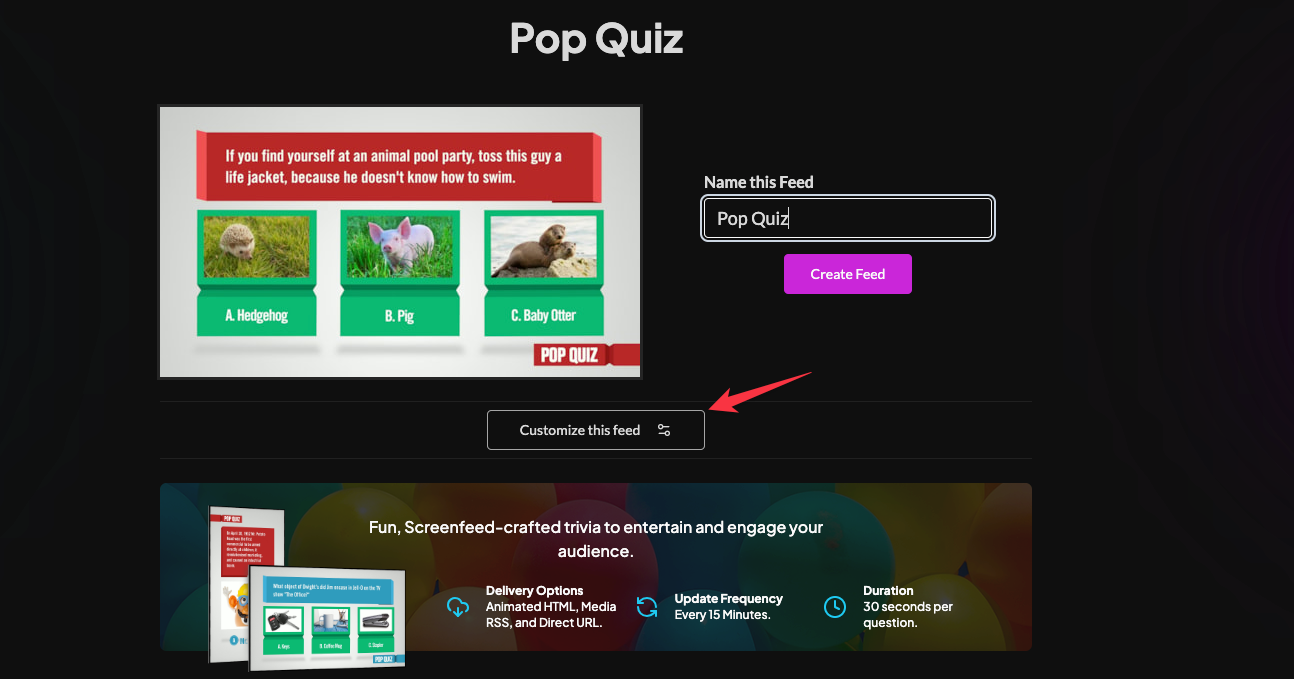
2. Set a custom name and click "Customize This Feed".
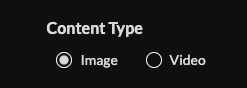
3. Select content type (image or video) and set an intro length.
4. Set delivery method (Images: HTML, Media RSS; Video: Media RSS, Direct URL).

Click "Create Feed".
Support available between 9:00am and 5:00pm (CST-06:00), Monday through Friday


