Support
Using Ready-Made Feeds
Configuration

Pollen Levels

How to configure a Pollen Level feed for your digital sign

Table of Contents

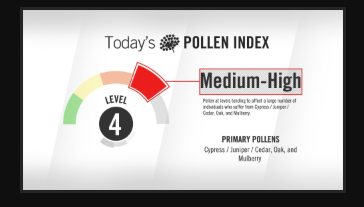
Keep audiences updated on pollen levels that can affect their day-to-day lives. Pollen data for digital signage content updates every two hours to track current and forecasted pollen levels in your selected area.
Keywords:
Try it out

Pollen Levels Feed Configuration

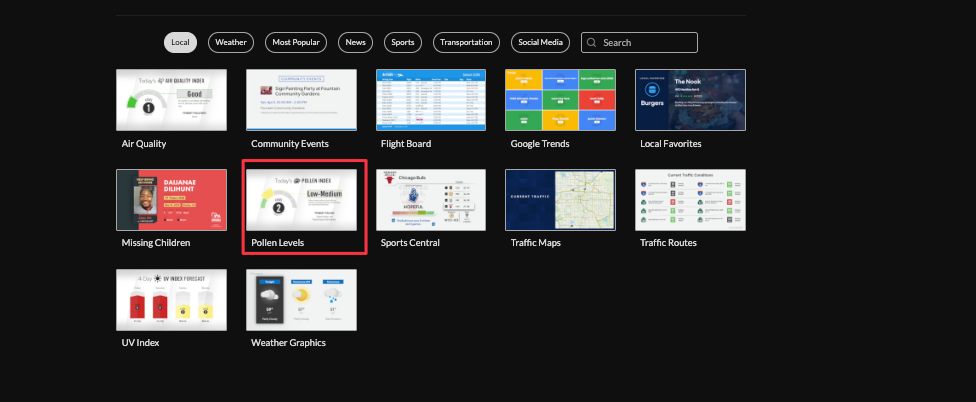
1. Begin configuring your feed from the content menu by selecting the Pollen Levels tile.
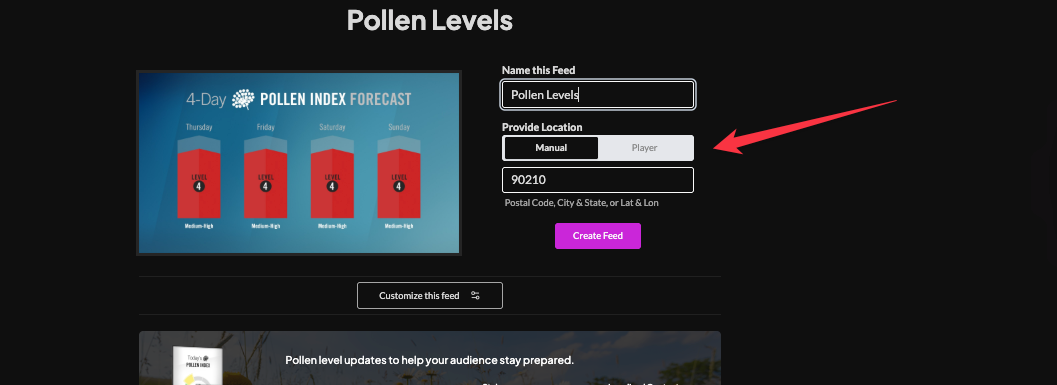
Set a custom name and enter a location. Select player to enable geolocation (learn more about geolocation)

Click "Customize this Feed" and select a theme (blue hue or clean and clear).

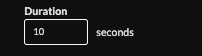
Set duration (default 10s)
Delivery method (HTML Media rss, Direct URL, Json).

Click "Create Feed".

Frequently Asked Questions
Related Articles:

Find Answers in our Knowledge base

Contact us for help

Support available between 9:00am and 5:00pm (CST-06:00), Monday through Friday

America

5115 Excelsior Blvd #129, Minneapolis, MN 55416, USA
info@screenfeed.com
+1 800 461 3002