Support
Using Ready-Made Feeds
Configuration

Air Quality

How to configure an Air Quality feed for your digital sign

Table of Contents

Keep up with air quality levels right from your screens. Choose from current and forecasted local air quality conditions. Data updates every two hours.
Keywords:
Health indexes, Air Quality Forecast, Current Air Quality
Try it out

Air Quality Feed Configuration

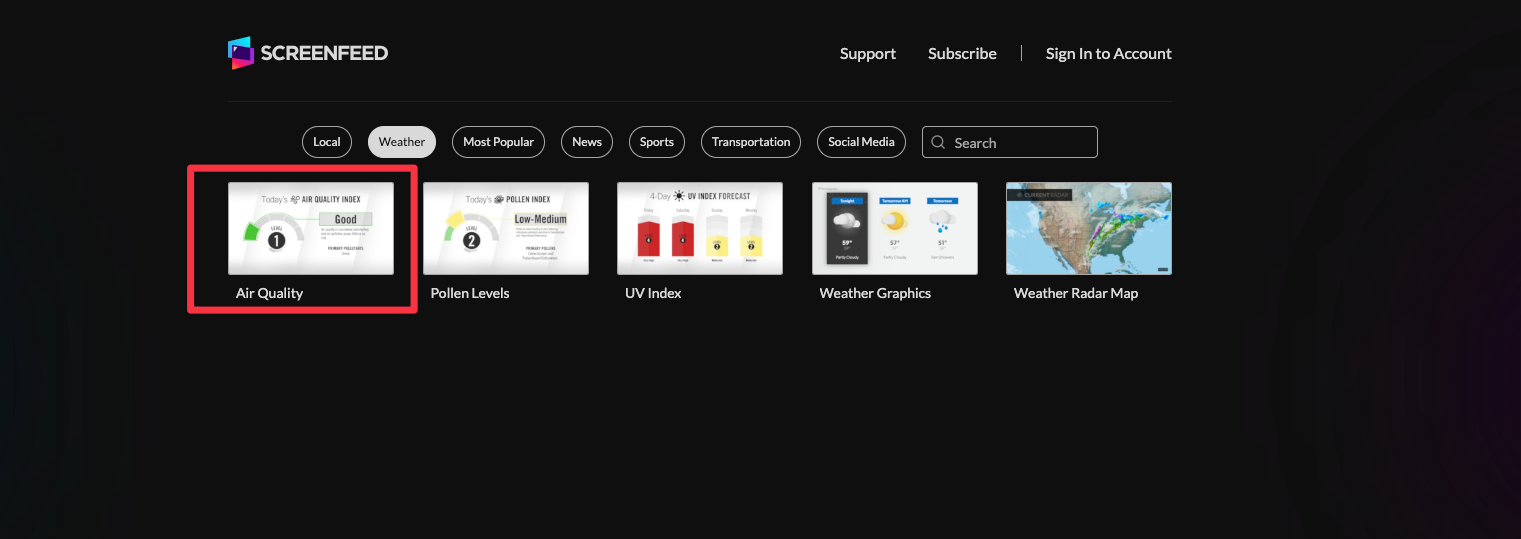
  1. Begin configuring your air quality feed from the content menu by selecting the Air Quality Tile.
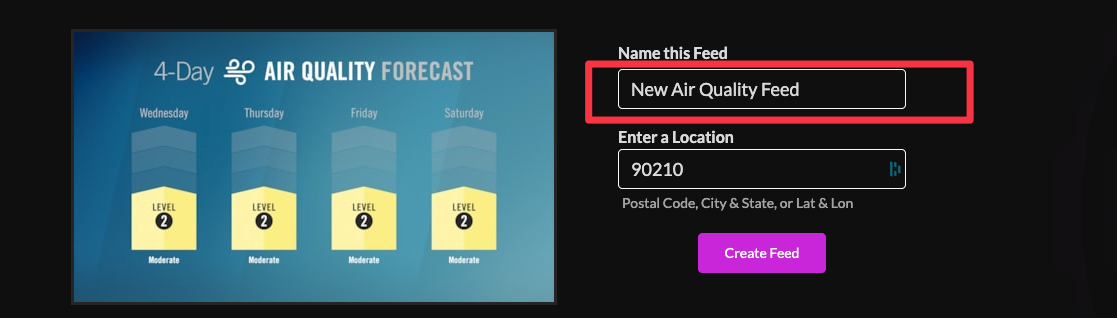
  1. In the new window on the right, set a custom name for the feed.
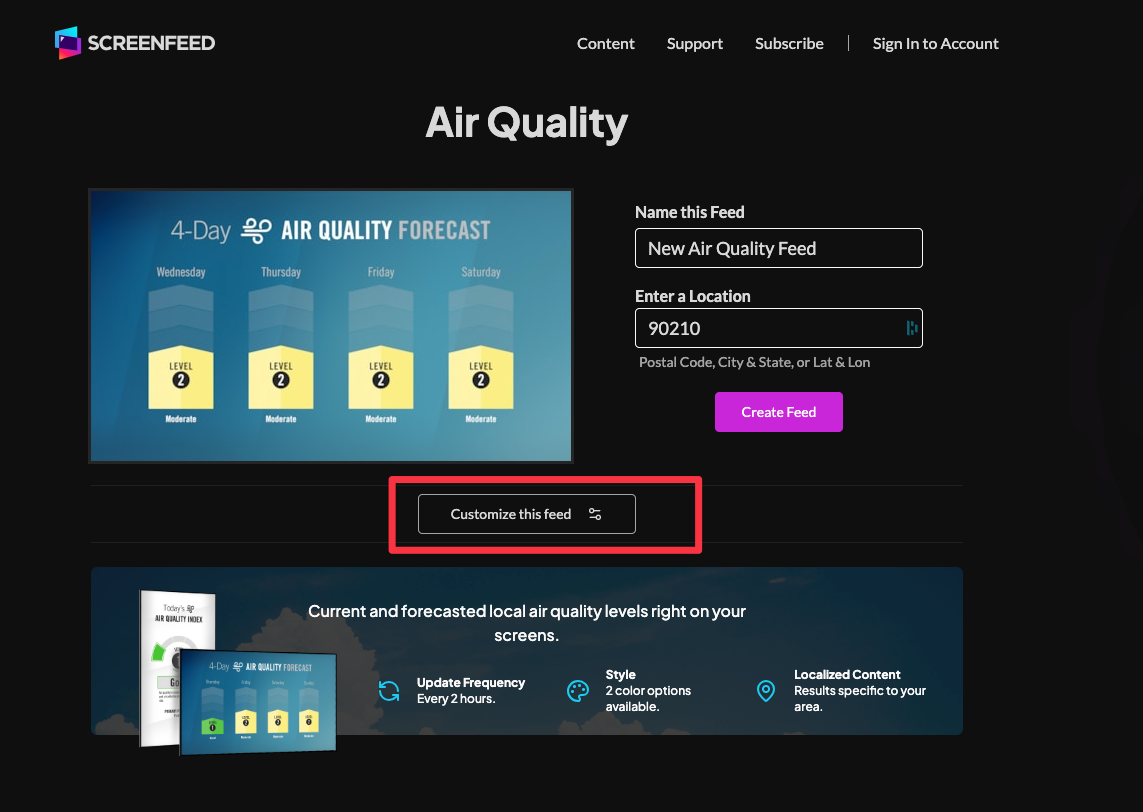
  1. Enter a location, which can be determined by postal code, city and state,  or latitude and longitude.
  1. Click "Customize this Feed" if you wish to further customize the feed, or click create feed to generate a feed url.
  1. Choose a theme; available themes are "blue hue" and "clean and clear".
  1. Set a duration for the feed (default is 10s)
  1.  Choose your delivery method (HTML media, RSS, direct URL, or Json data).

Click the Create Feed button to create your feed.

Frequently Asked Questions
What are the air quality levels?
Air Quality levels are rated 1- Good to 5-Severe
How often does the Air Quality Feed update?
Air Quality levels and forecast update every 2 hours.
Can I customize Air Quality further that the preset themes?
Screenfeed offers custom content options, inquire at sales@screenfeed.com for more details.
Related Articles:

Find Answers in our Knowledge base

Contact us for help

Support available between 9:00am and 5:00pm (CST-06:00), Monday through Friday
America

5115 Excelsior Blvd #129, Minneapolis, MN 55416, USA
info@screenfeed.com
+1 800 461 3002