Learn how to quickly and easily update your preferred card used for digital signage content billing purposes in your Screenfeed account.
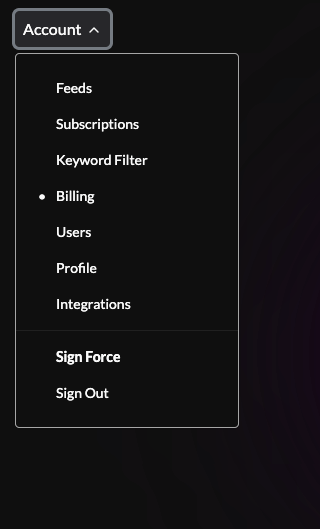
Click the account drop down in the top right corner of the acount site and select Billing
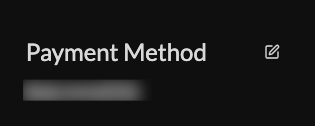
Update your payment method information by clicking on the edit button next to payment method.
If you wish to change payment methods, contact screenfeed sales at sales@screenfeed.com
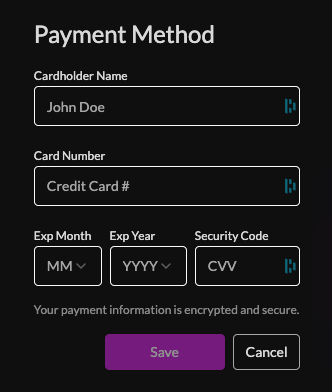
Enter in your credit card information and click save.
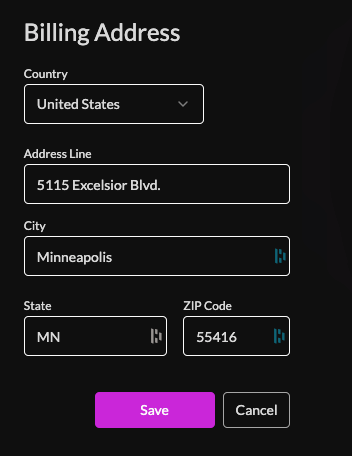
To update your Billing address click the edit button next to Billing Address
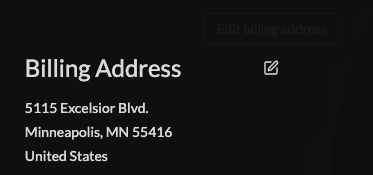
Update your billing address information then click save.
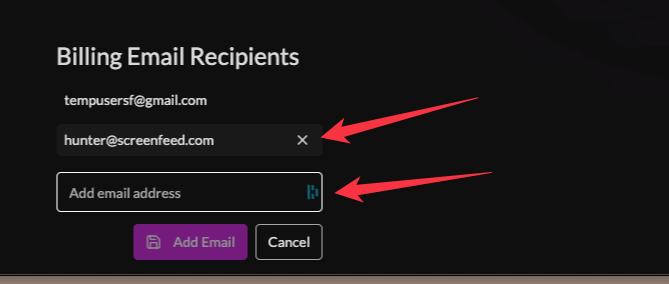
Add or remove billing email recipients, this is for billing emails only, other emails such as integration or general account emails can be updated from the users page.

To add a billing email recipeint enter in the email address and click the Add Email button. To remove an email from billing email recipients click the X next to the email. (changes will be automatically saved)
Support available between 9:00am and 5:00pm (CST-06:00), Monday through Friday


