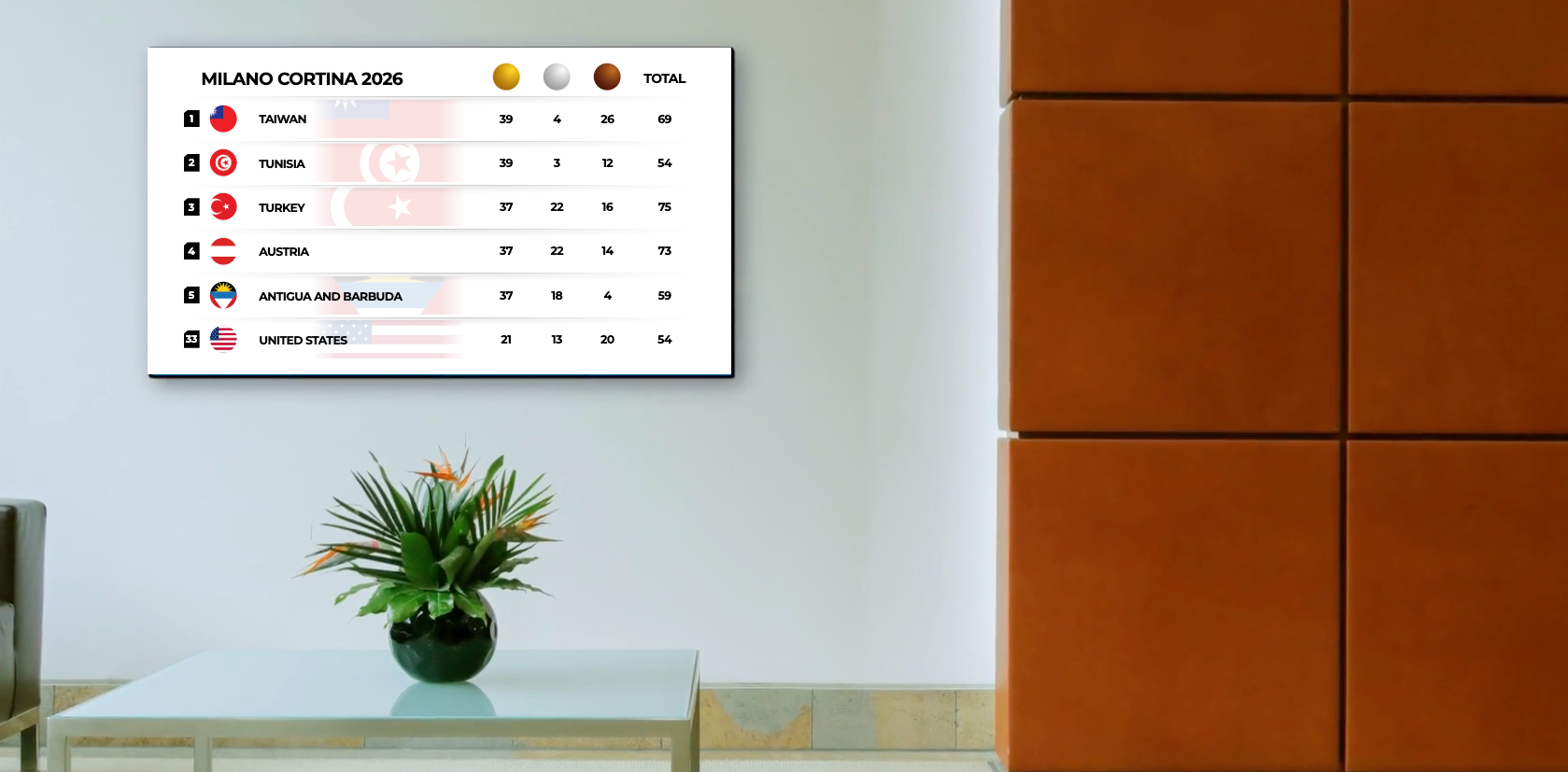
Medal count is a view available within Screenfeed's Sports Central feed. This view displays up to date medal counts for Winter or Summer games, covering 90+ countries.
The view displays the top 5 medal earning countries, their gold, silver, bronze and total medals as well as your home country and the associated medal count.
Since Medal count is a part of Sports Central, if you have a sports central subscription already follow the configuration instructions below.
If you need to add sports central to your subscriptions click the link below, to subscribe.
Click to add a Sports Central Subscription
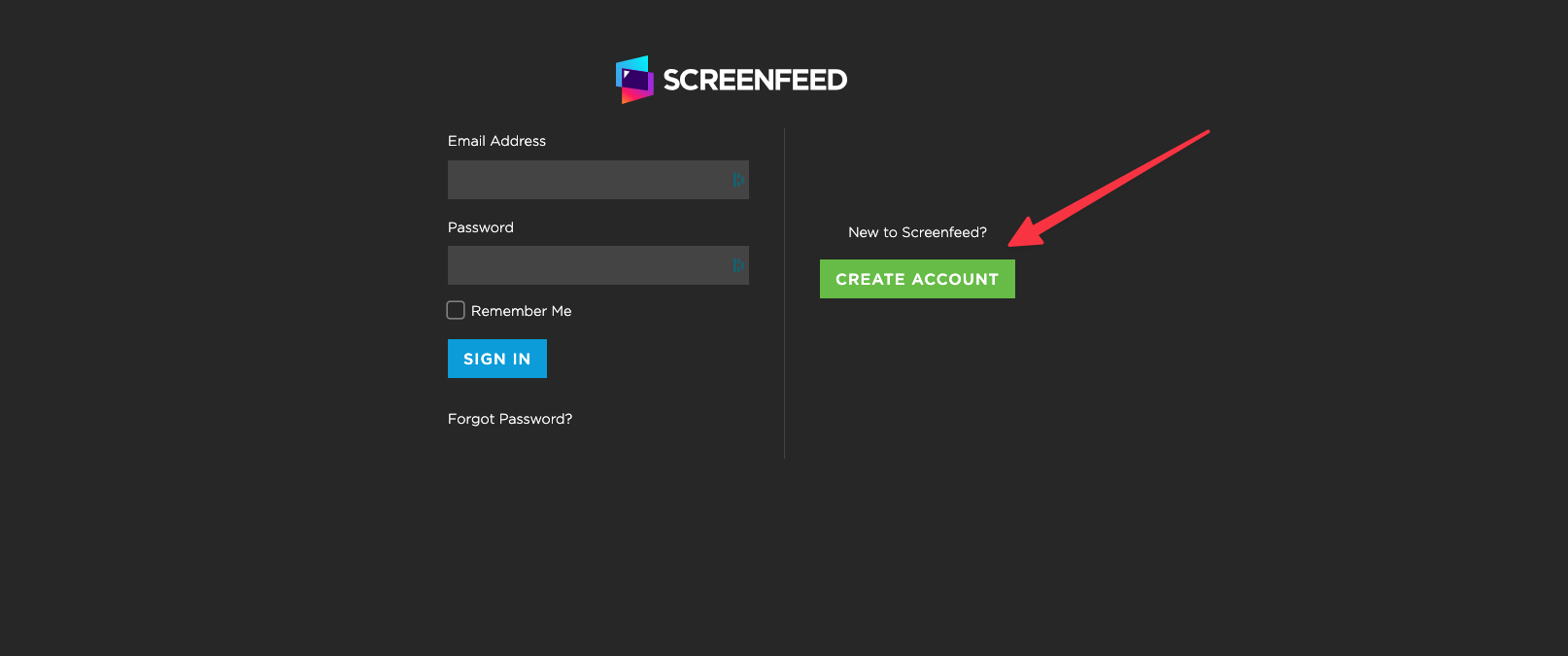
1 .Login to screenfeed.com using your email and password.
If you don’t have an account you will need to set one up, accounts are free.
Click create an account and fill out the form.
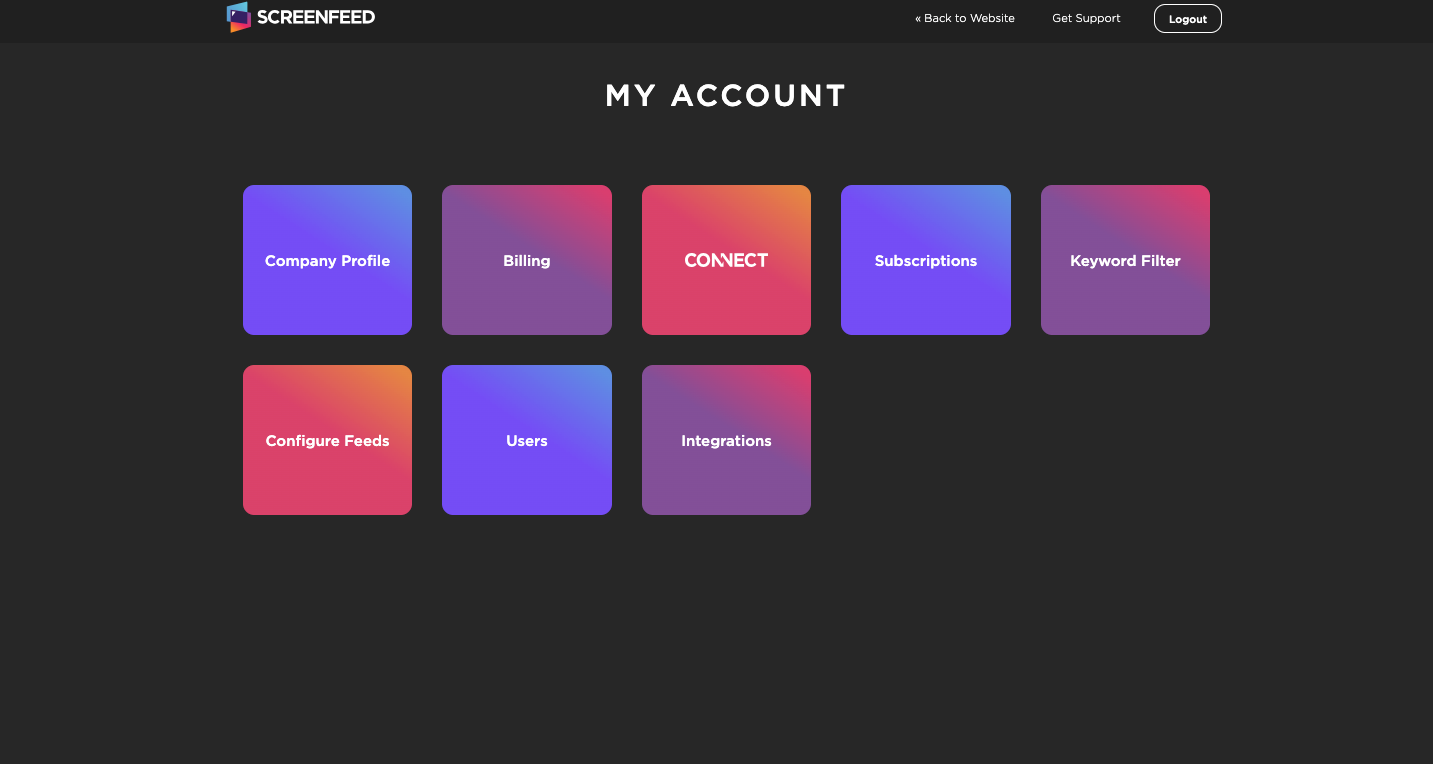
2. From the dashboard choose configure feeds.
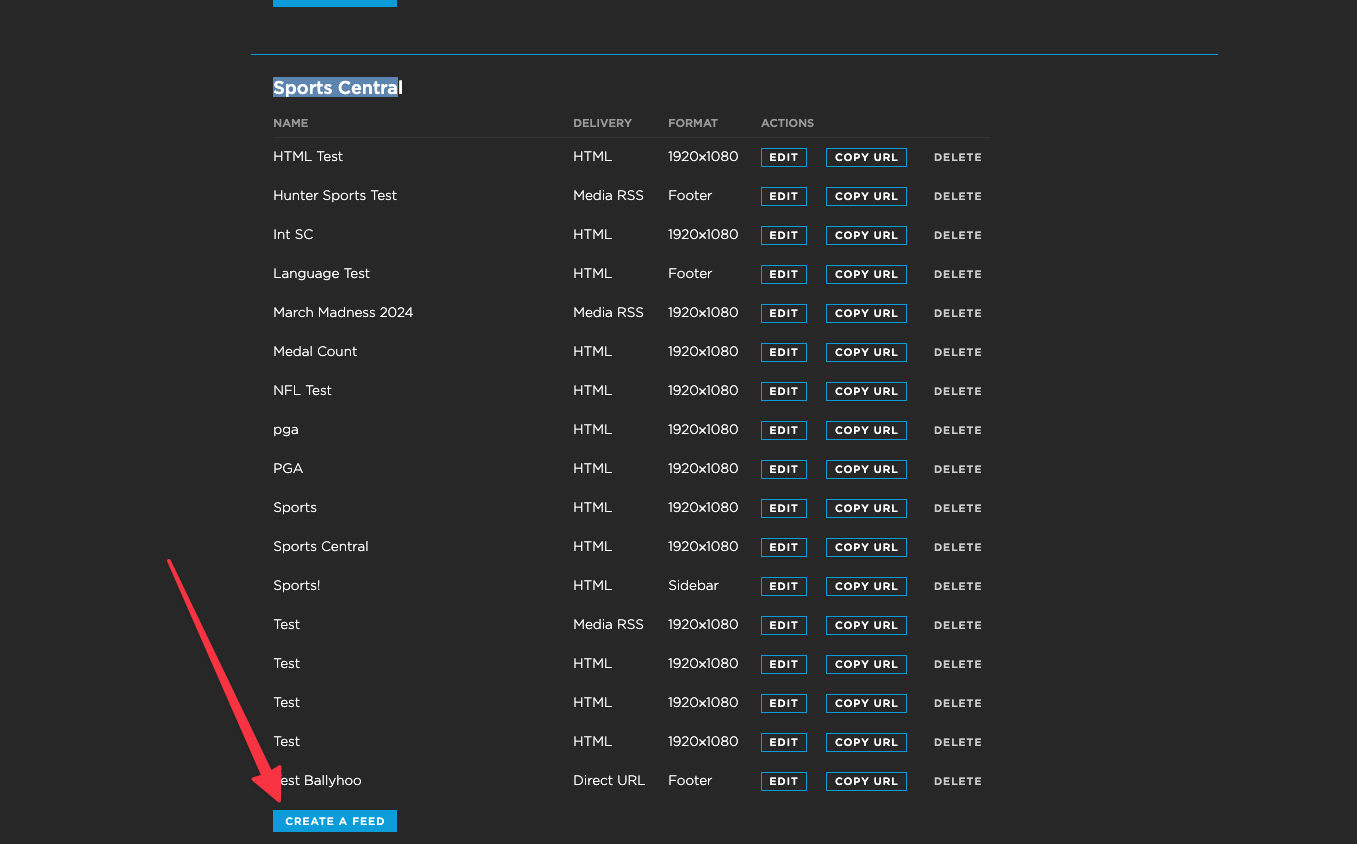
3. Scroll the subscription list to find your Sports Central subscription and click create a feed.
Medal count is a view of Sports Central, where you can get sports scores from popular professional and collegiate leagues and tournaments.
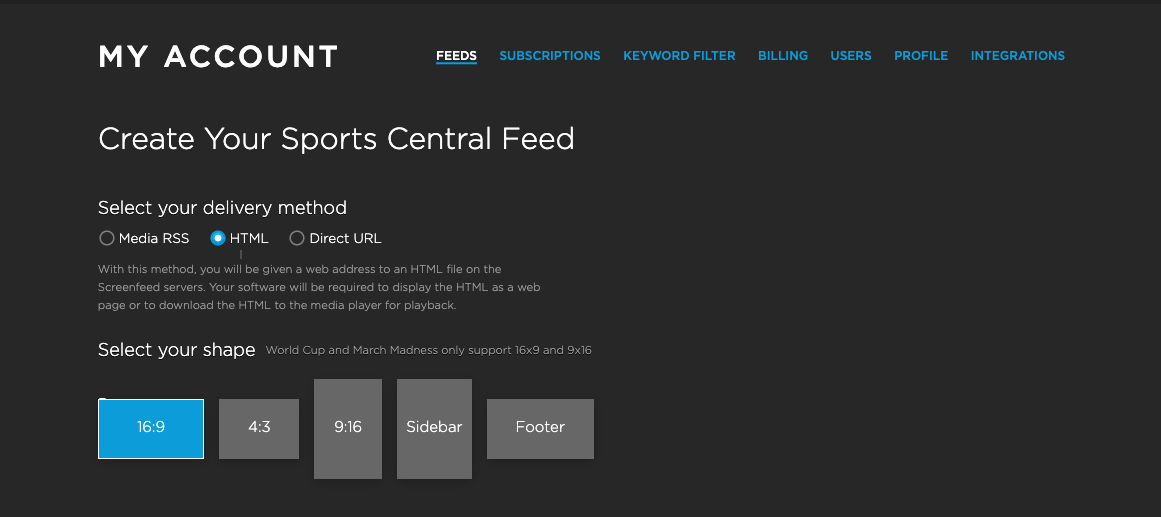
4. Select your delivery method, your shape.
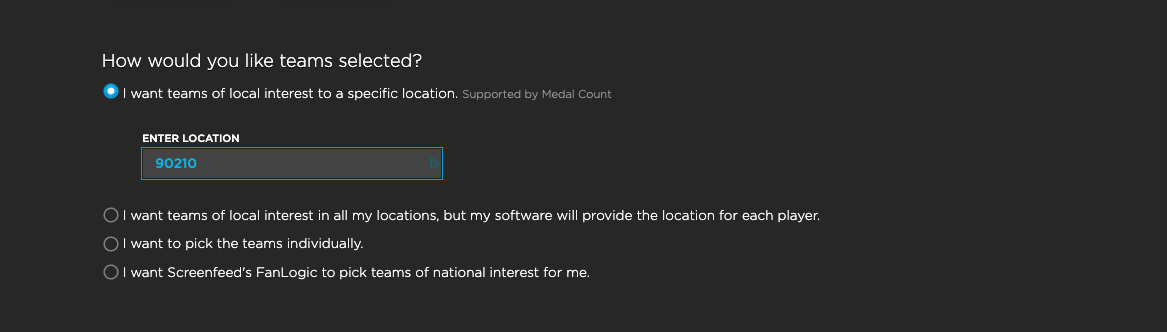
5. Scroll and enter your location in the Location field
Medal count will show six countries, including the top medal earners, along with the country that matches your location.
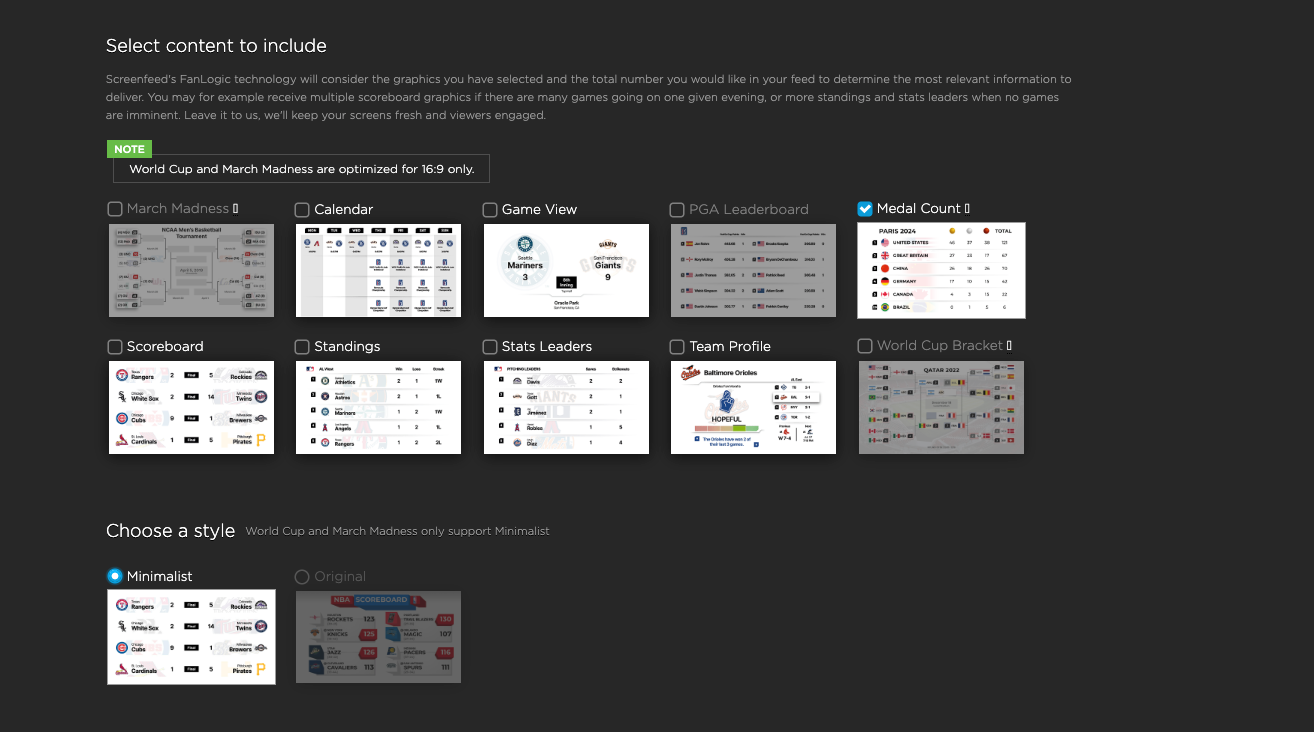
6. Scroll and choose the medal count view and the minimalist style.
7. Lastly, enter a name for your feed and click Create feed.
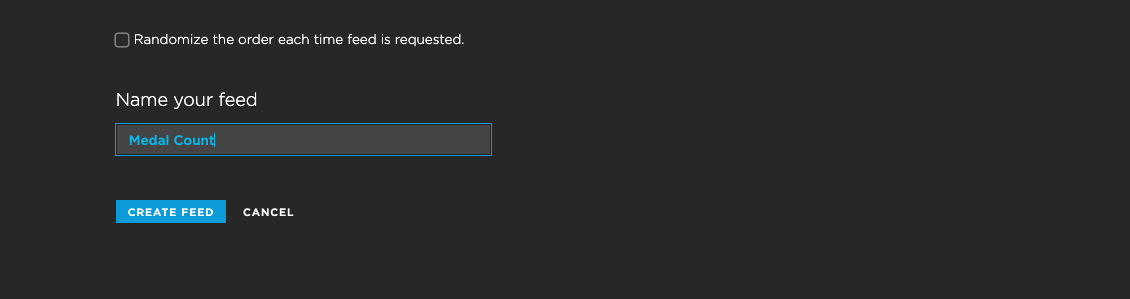
You will be presented with a feed URL to enter into your digital signage software.
Support available between 9:00am and 5:00pm (CST-06:00), Monday through Friday


